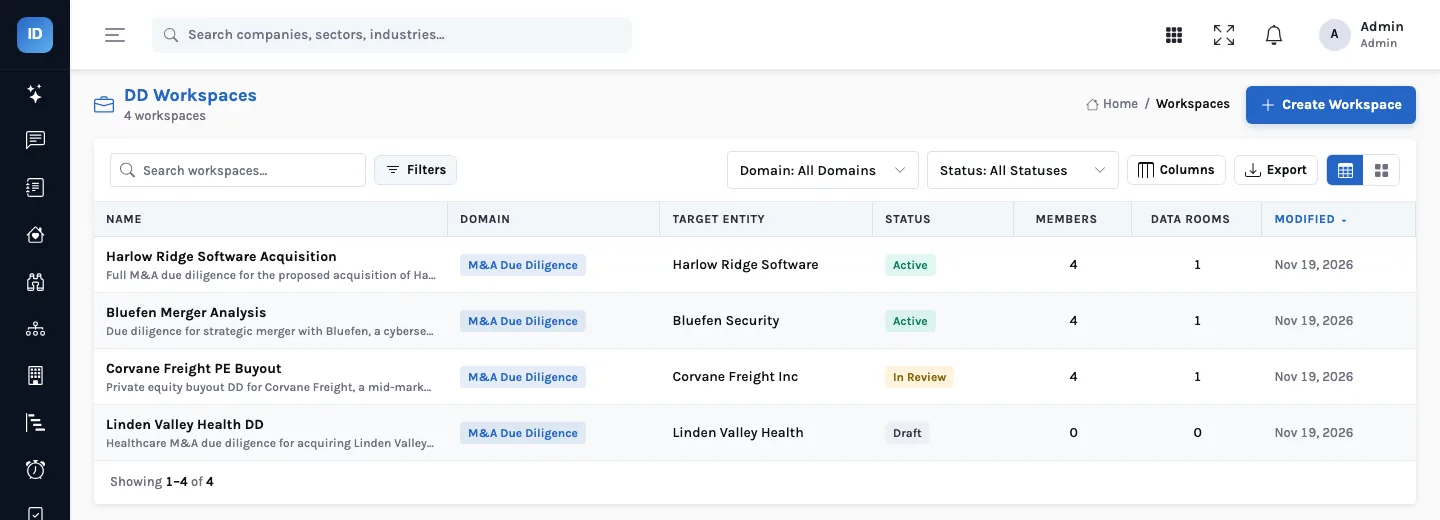
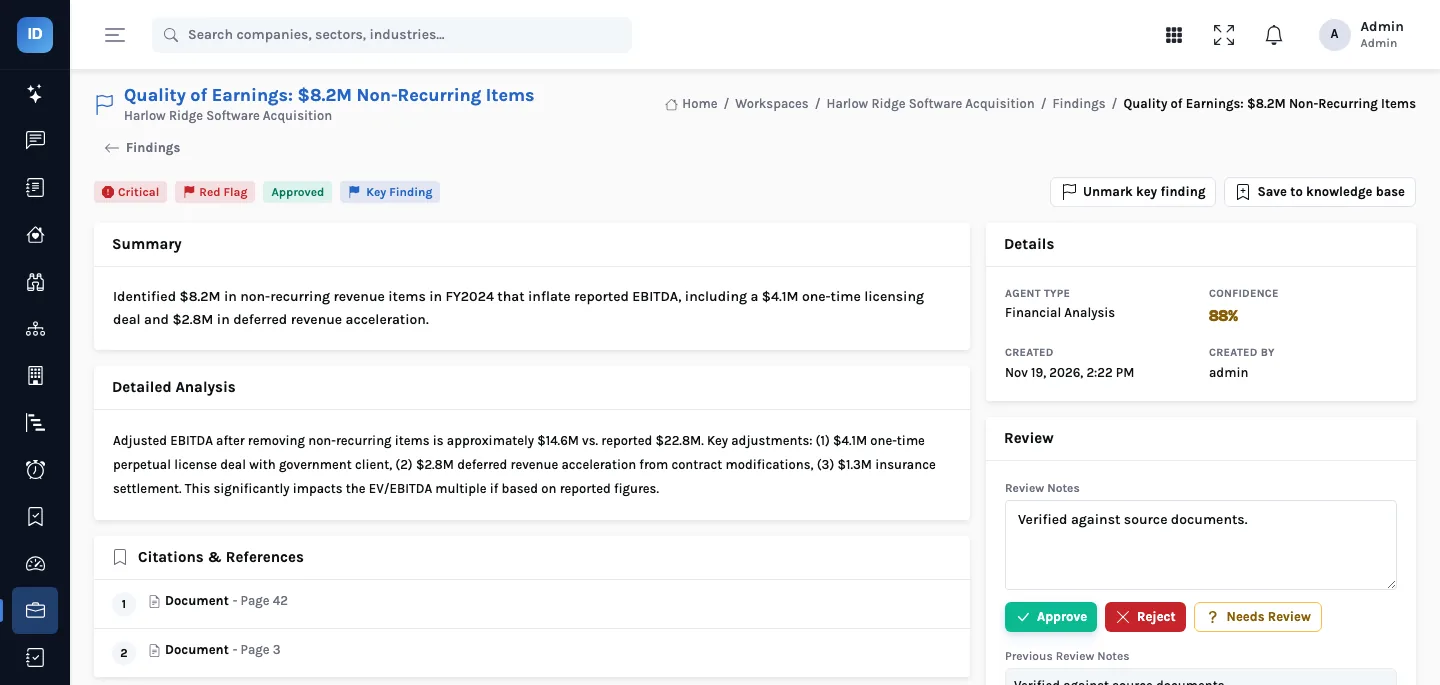
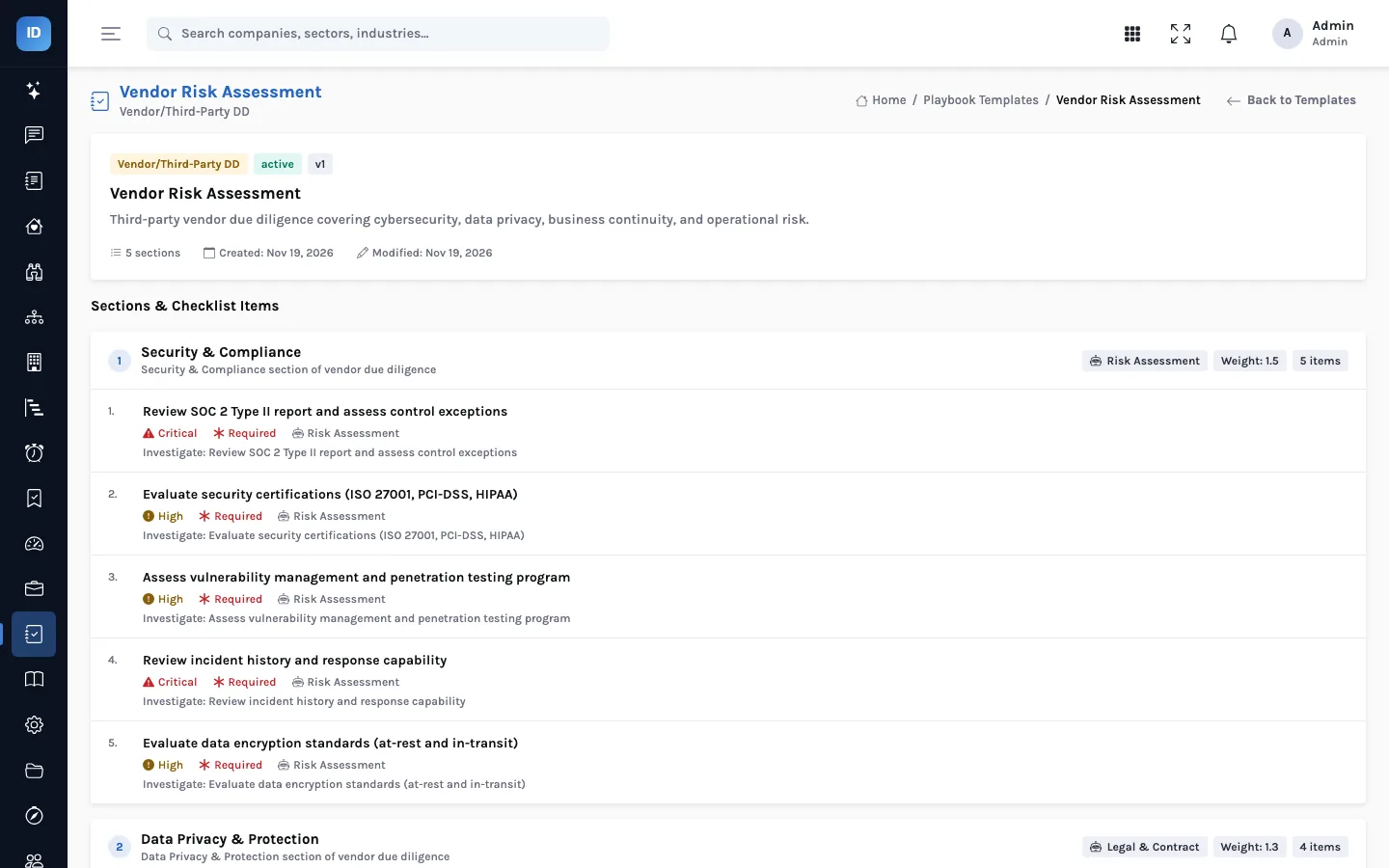
“AI-powered due diligence” can mean anything from a summary button to a system that reads the data room on its own. Deal teams are right to ask which one they are buying, because the answer decides what they still have to check. This article sets out exactly where InsightDDx uses a language model today, what the model sees, and how the agents work.
Where the model is used
| Insight | Where it appears | What it is for |
|---|---|---|
| Portfolio summary | DD Dashboard | Key risks across all deals and which deal needs attention. |
| Deal health | Workspace overview | An overall score, a risk score and completeness, shown as gauges. |
| Executive brief, risk assessment, recommendations | Workspace overview | The three cards a deal lead reads first. |
| Area analysis | Each review tab | A view of one area, such as Legal & Contracts, from its findings and documents. |
| Data room completeness | Data Room tab | What is there, and what a deal of this kind usually needs that is missing. |
| Playbook assessment | Playbook tab | Where the checklist stands and what to do next. |
| Findings analysis, finding impact | Findings pages | Patterns across findings; how one finding moves the deal. |
| Executive narrative | Reports | The opening narrative of the report. |
| Assistant | Button on every workspace | Questions about the workspace, answered in Markdown. |
What the model sees
Every insight is written from the workspace's own records: its details, its findings (the most recent 20 to 30, with severity, category, confidence, review status and sources), its documents (names, categories and processing status), and the playbook's progress and counts. Each insight type has its own instructions and asks for a structured answer, which is why the cards have consistent sections, a confidence and a timestamp.
Two consequences are worth stating plainly:
- The insights reason over findings, not over the documents themselves. The model sees which documents are in the data room, but the text it summarizes is the findings recorded in the workspace, approved or not. A data room completeness check is therefore a check of what has been filed against what a deal of this kind usually needs, not a reading of each file.
- They are summaries for people, not conclusions. Each card says it is AI generated and shows its confidence. The report draws its findings from the reviewed records, and the executive narrative is a draft for the deal lead to edit.
Answers are cached for 30 minutes, so opening a page twice does not ask the model twice; the refresh icon on each card asks again.
With no model configured
A team that has not configured a model, or whose model is unavailable, still gets two of the AI views. The dashboard's portfolio summary falls back to one built from the same stored data (counts by severity and review status, playbook progress, which deals have critical findings) and labels it as a data-driven summary; each domain tab's analysis falls back to the stored findings statistics and playbook progress, headed "AI analysis is unavailable right now". The other cards (executive brief, risk assessment, recommendations, deal-health score and the rest) have no fallback: they show that the insight is unavailable. The screens on this blog were captured on a local system with no model.
The agents: a supervisor and a specialist per area
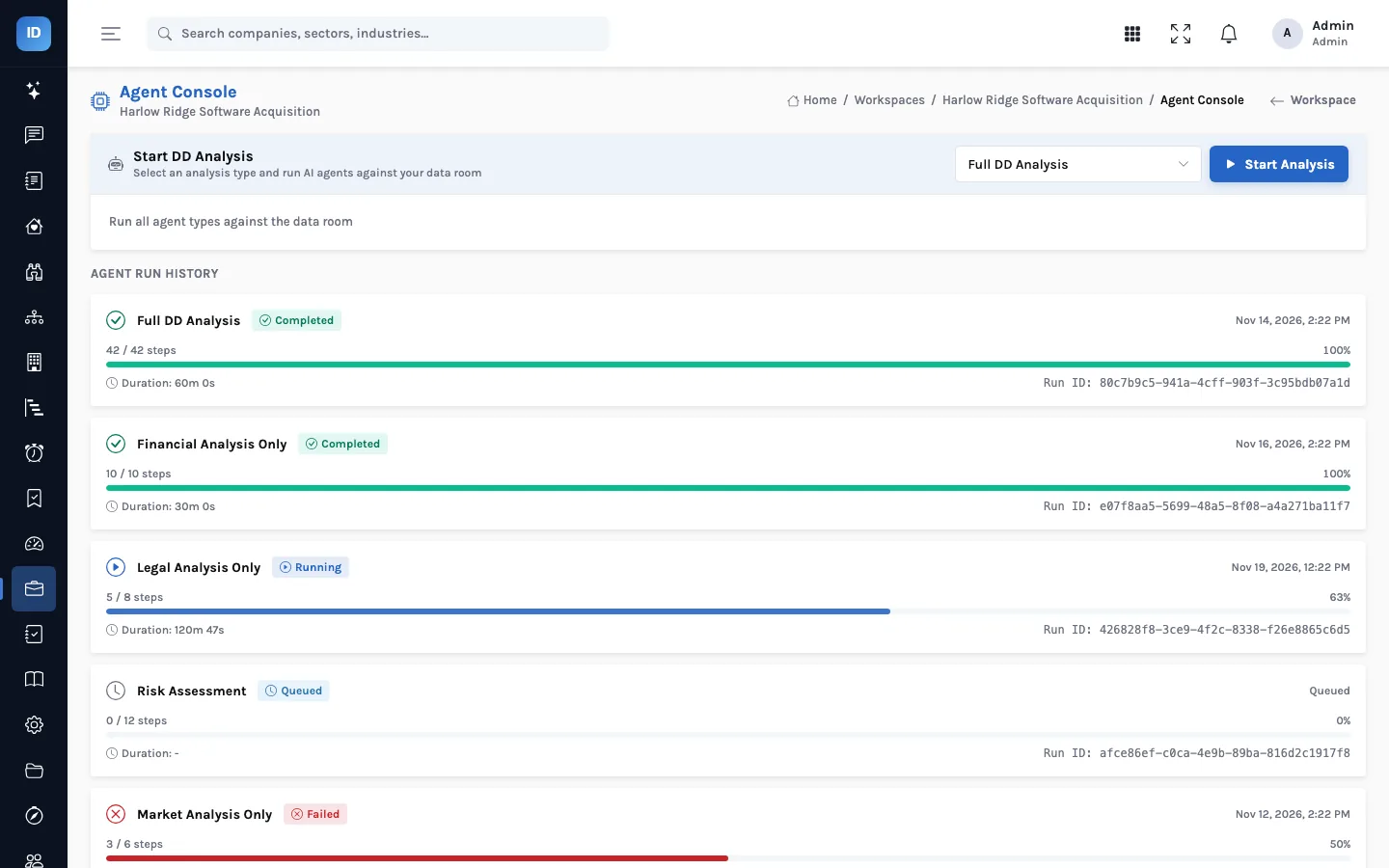
The Agent Console is where a team starts an analysis (a full run, or one area such as financial or legal) and follows its progress. Behind it is a supervisor that works through the playbook and a domain agent per section:
- The supervisor plans: it orders the playbook sections by weight and leaves risk assessment until last, because it needs the others' findings.
- It dispatches each section to the agent for that area (financial, legal, market, technology, HR).
- Each agent works item by item: analyze the question, search the data room, reason over what it finds, validate, and save a proposed finding with citations.
- A risk step synthesizes across sections, and runs can pause for human review at set checkpoints.
What leaves the workspace when a card is generated
Legal and information-security teams ask this first, so here is the list, from the code that builds the context:
| Sent to the model | Not sent |
|---|---|
| Workspace name, description, domain, target entity, status and due date; for the assistant, the question you type | The text of any uploaded document |
| Recent findings: title, summary, severity, category, confidence, review status, area, and up to three cited document names | A finding's detailed analysis and the cited passages |
| Document names, types and processing status, grouped by category (the first five per category) | Reviewer notes |
| Playbook sections and each item's question, priority and status | Anything from other workspaces (except the dashboard's portfolio summary, which spans your deals) |
Findings summaries are written by your team, so they can carry figures and names from the documents. If a deal's terms rule out a model, run it on a deployment with no model configured; nothing outside the AI cards changes.
Questions to put to any AI diligence tool
- Which model, and where does it run? Here: Claude on Amazon Bedrock, in the configuration in the code, called with a low temperature (0.2) and asked for structured JSON.
- What does it read? The context above. Not the documents.
- Can a card become a conclusion without a person? No. Reports are built from approved findings; the narrative is a draft.
- How fresh is an answer? Cached for 30 minutes per workspace, with a refresh on each card.
- What happens when the model is down? The portfolio summary and the domain-tab analyses are rebuilt from stored data and labelled as such; other cards say the insight is unavailable. Nothing else stops.
The assistant on each workspace starts with suggested questions (the top risks, a summary of critical findings, which documents are missing, the overall deal health) and answers from the same context, so it is a fast way to brief someone joining the deal, not a second opinion on the documents.
Using AI where it helps, and not where it cannot
A fictional industrial buyer runs diligence on Linden Valley Health, a made-up clinic group. Its legal team is comfortable with the model reading the findings and document names the insights use, because the documents themselves are not sent. For the steering committee, the deal lead uses the executive brief and recommendations as a first draft, then edits them. For the clinical-quality section, where every claim needs a named reviewer, she relies only on approved findings and their citations. The AI saves her the drafting; it does not replace the review.