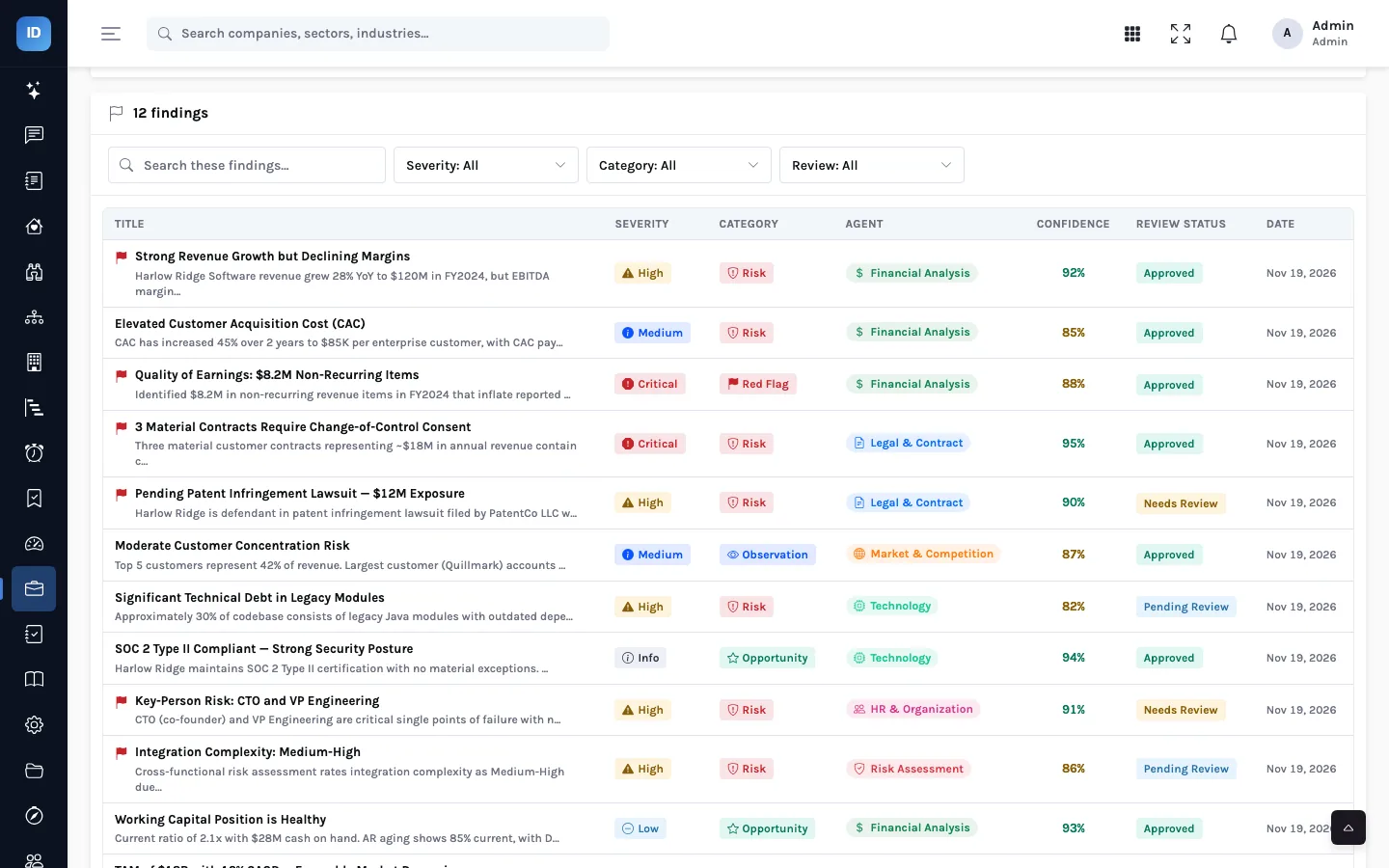
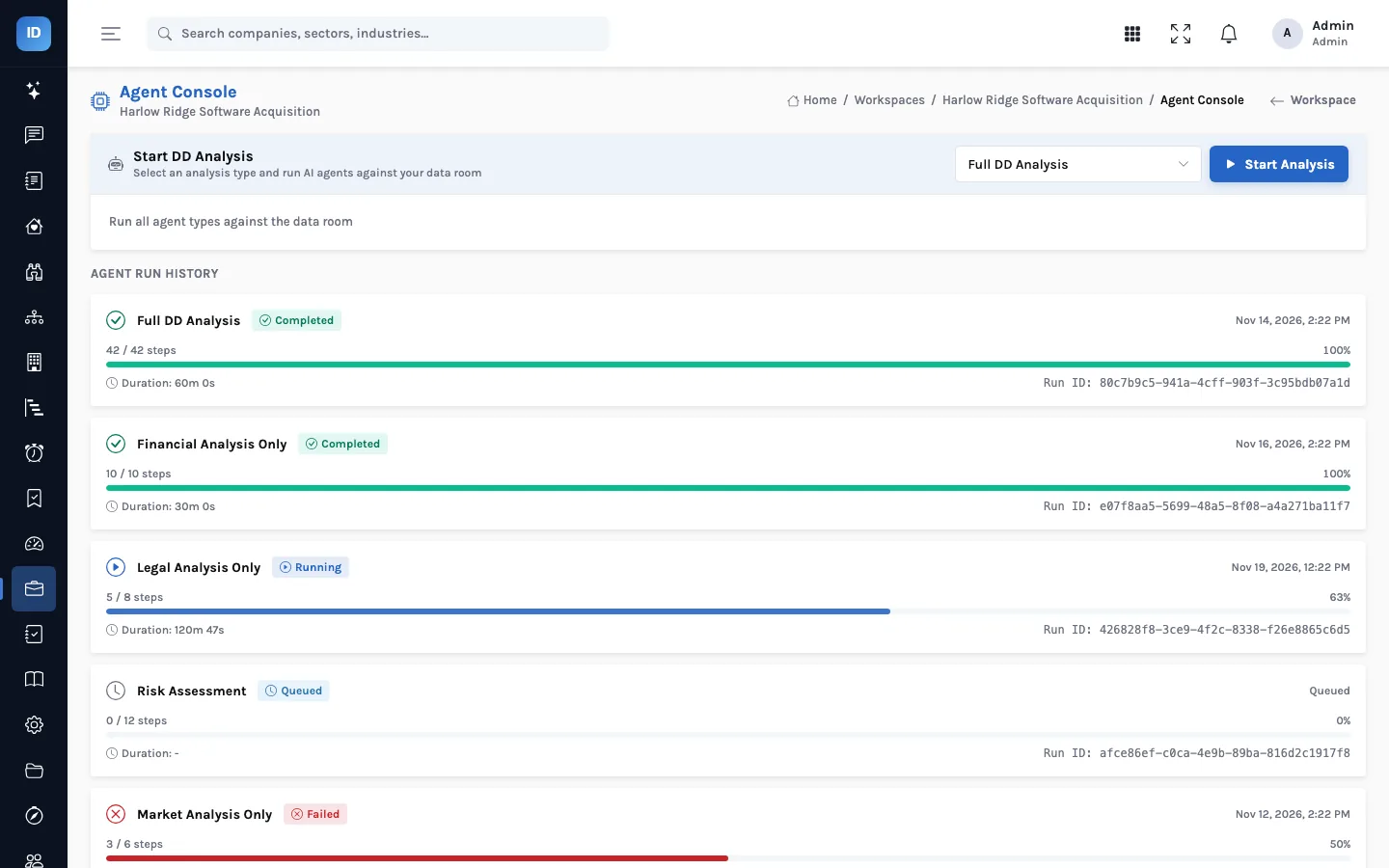
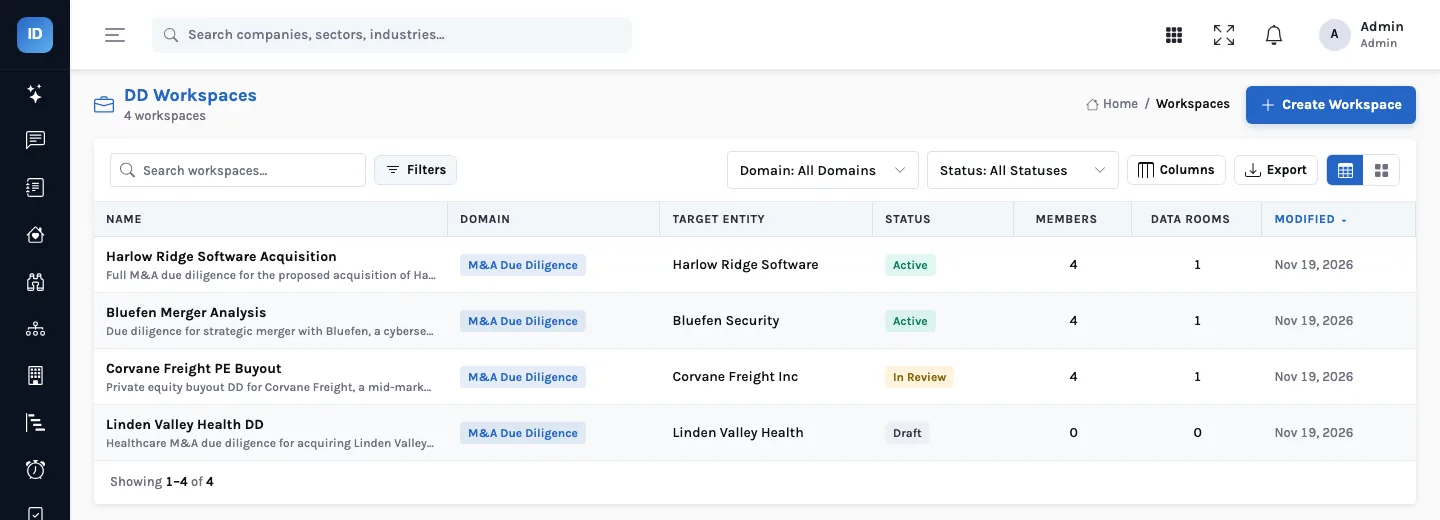
Every diligence team has a checklist. It usually lives in a spreadsheet that someone copies from the last deal, edits for this one, and updates by hand when they remember to. By the third week, nobody is sure whether the spreadsheet or the memo is right. In InsightDDx the checklist is a playbook: part of the workspace, with its status kept as the work is done.
Templates by domain
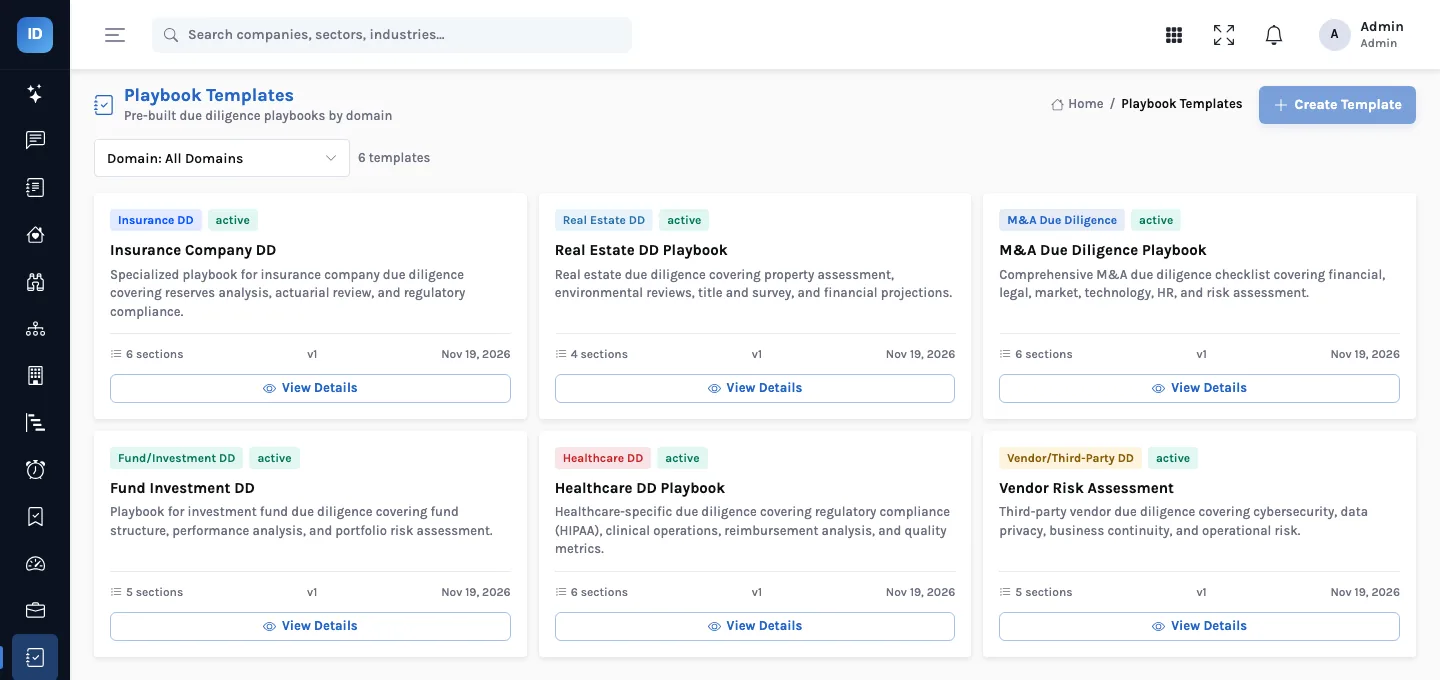
A playbook starts from a template. InsightDDx ships six, one for each domain type a workspace can take:
| Template | Sections |
|---|---|
| M&A Due Diligence Playbook | Financial Analysis · Legal & Contract Review · Market & Competition · Technology Assessment · HR & Organization · Risk Assessment |
| Insurance Company DD | Reserves & Actuarial Review · Regulatory & Compliance · Underwriting & Pricing · Investment Portfolio · Claims Operations · Risk Assessment & Synthesis |
| Fund Investment DD | Fund Structure & Governance · Performance Analysis · Portfolio & Risk Management · Operations & Infrastructure · Team & Organization |
| Vendor Risk Assessment | Security & Compliance · Data Privacy & Protection · Business Continuity & Resilience · Financial Stability · Contractual & Legal Review |
| Real Estate DD Playbook | Property & Physical Assessment · Environmental Review · Title, Survey & Zoning · Financial Analysis |
| Healthcare DD Playbook | Regulatory & Compliance · Clinical Operations & Quality · Reimbursement & Revenue · Technology & EHR · Workforce & Organization · Risk Assessment & Synthesis |
Each section carries a weight (Financial Analysis and Risk Assessment weigh 1.5 in the M&A template; HR & Organization 0.8) and the type of analysis it belongs to: financial, legal, market, technology, HR or risk. Each item is a question with a priority (critical, high, medium or low) and a required flag. The M&A template has 42 items, starting with the ones every buyer asks: the revenue trend over three years, the EBITDA margin against benchmarks, the quality of earnings, working capital, and the debt structure and covenants.
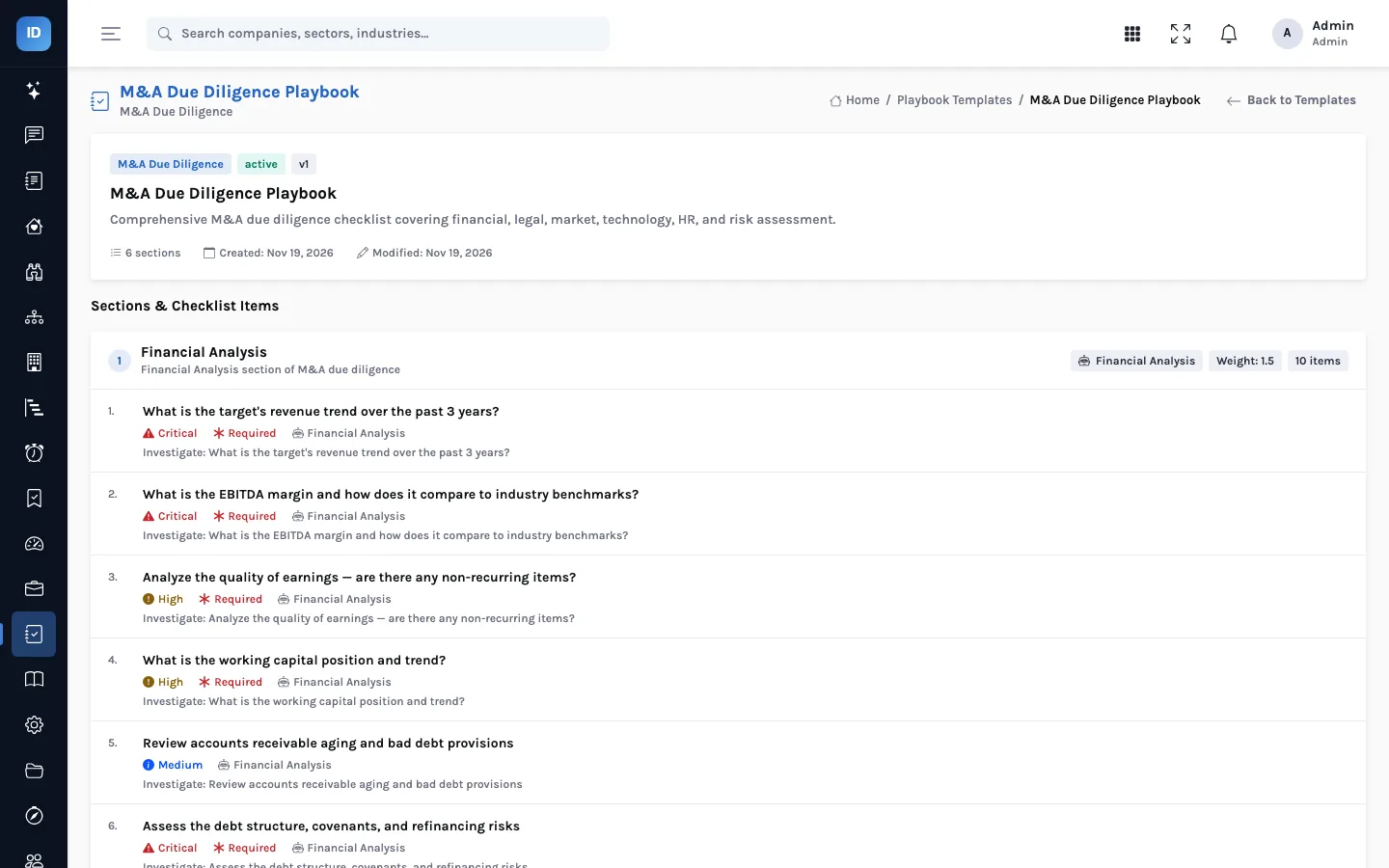
From template to workspace
When a workspace starts, its playbook is instantiated from a template: the sections and items are copied into the workspace, so editing this deal's checklist never changes the template, and the template can move on without rewriting a deal in progress. If a workspace has no playbook yet, the Playbook tab offers the domain's templates to start from.
The review areas on the workspace tabs (Financial Analysis, Legal & Contracts and so on) each show the playbook section that matches them, so the analyst working on contracts sees the contract questions next to the contract documents and the contract findings. Clicking an item's status icon moves it on: pending, in progress, completed.
Progress you can defend
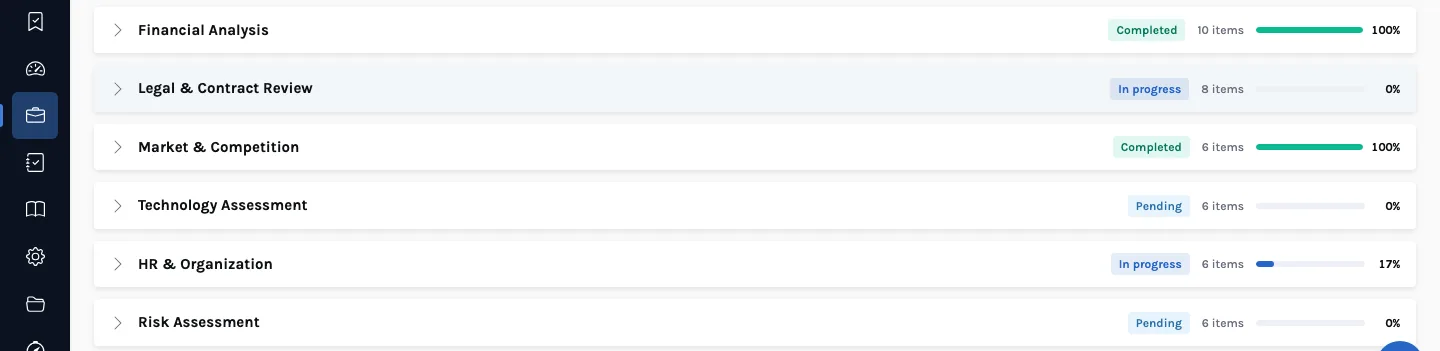
Playbook progress is counted, not estimated. For each section and for the playbook as a whole, InsightDDx divides the items that are completed or skipped by the total. A deal lead who says “43% complete” can show the 18 items behind the number, and which sections they are in. Inside a workspace, each section shows its own status, item count and completion bar.
Two things follow from counting:
- Skipping is explicit. An item that does not apply to this deal can be marked skipped, which counts as done and stays visible as a decision rather than an open line someone has to explain at the steering committee. (In the current release the status icon on screen cycles pending, in progress and completed; skipped is set through the API.)
- Required items stand out. The required flag, and the critical priority, show which open items block a conclusion and which are nice to have.
Reading progress by section, not by headline
A fictional mid-market fund is ten days into a buyout of Corvane Freight, a made-up logistics company. The headline says the playbook is 40% done, which sounds reassuring until the deal lead opens the Playbook tab. Financial Analysis is complete and so is Market & Competition, but Risk Assessment, the section that weighs everything else, has not started, and two critical, required items in Legal & Contract Review are still pending. The weekly call moves from “are we on track?” to a short list: who owns the two contract items, and when the risk section can start.
What each status means for the number
An item can be in one of five states. Only two of them move the completion figure:
| Status | Counts as done? | Use it when |
|---|---|---|
| Pending | No | Nobody has started the question. |
| In progress | No | Someone owns it and is working through the documents. |
| Completed | Yes | The question is answered, usually with a finding behind it. |
| Skipped | Yes | The question does not apply to this deal, and the team has decided so. |
| Flagged | No | The question is blocked or needs escalation: missing documents, a seller who has not answered. |
Weights do not change the percentage. Completion is a plain count of items, so a section weighted 1.5 and one weighted 0.8 count the same per item. The weight records how much a section matters to the conclusion; read it next to the percentage, not inside it. A playbook at 80% with its heaviest section untouched is not 80% of the way to a decision.
Tailoring a template to one deal
Because the playbook is a copy, a team can adjust it for a deal without touching the template. A sensible order:
- Read the whole playbook once before work starts, with the deal lead and one person from each area.
- Skip what does not apply on day one (no debt, no regulated activity, no international operations), so the remaining percentage describes real work.
- Change priority or the required flag where this deal differs from the usual: an item on customer concentration becomes critical when one customer is a large share of revenue.
- Record the changes in the workspace description, so a reviewer joining later knows the checklist was trimmed on purpose.
Item fields beyond status (question, priority, required, description, expected sources) are edited through the API in the current release; the screen moves status only.
Writing your own
The API accepts new templates and edits to existing ones, with a domain type, sections, weights and items, so a team can encode the way it already works. Templates are added through the API or by the VerticalServe team during setup.
Next: findings with evidence, and the review that stands behind them.